
To separate your Pony Club accounts, we suggest creating a separate profile for each address.
Google Chrome
- Open Google Chrome.
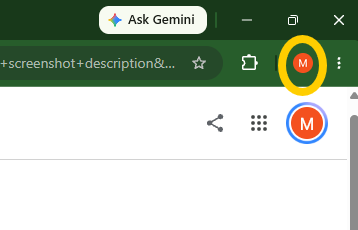
- Click your Profile icon in the top-right corner of the browser window (to the left of the three-dots menu).
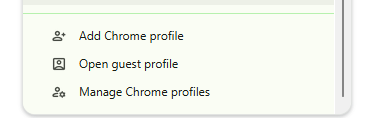
- At the bottom of the dropdown menu, click Add (or Add Chrome profile).
- In the pop-up window, select Continue without an account (unless you specifically want to sync this profile to a separate Google account).
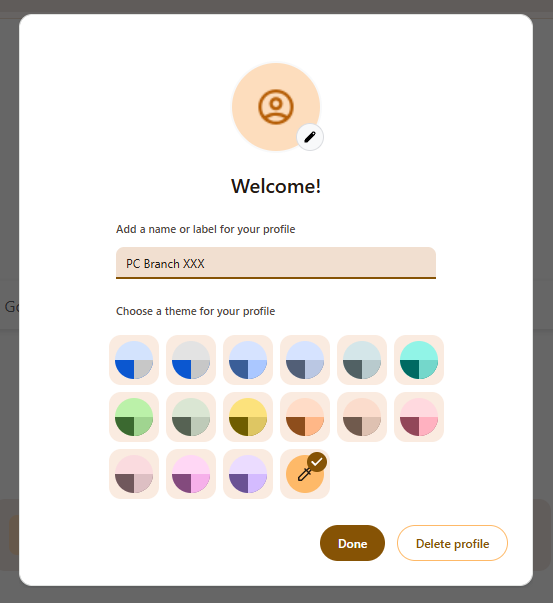
- Enter a descriptive name (e.g., PC Branch DC), choose a colour theme, and click Done.
- A new Chrome window will open. Navigate to https://pelham.pcuk.org , click on the link to the pelham section and sign in with your specific Microsoft account.
Microsoft Edge
- Open Microsoft Edge.
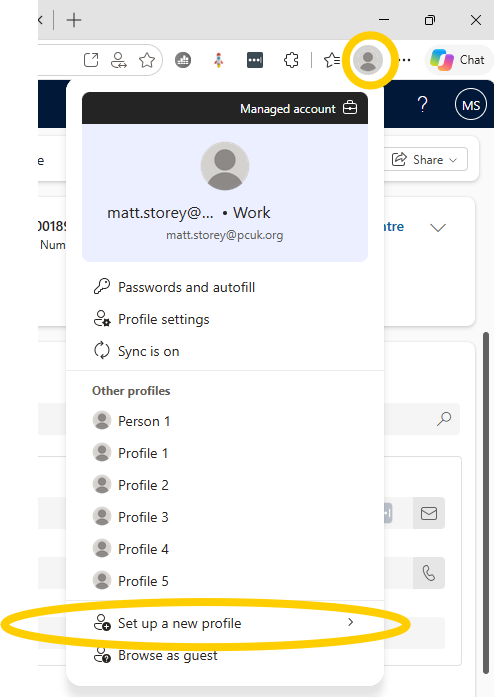
- Click your Profile icon in the top-right corner of the browser window
- Click Set up new personal profile (or Add profile).
- Select Work / School from the menu.
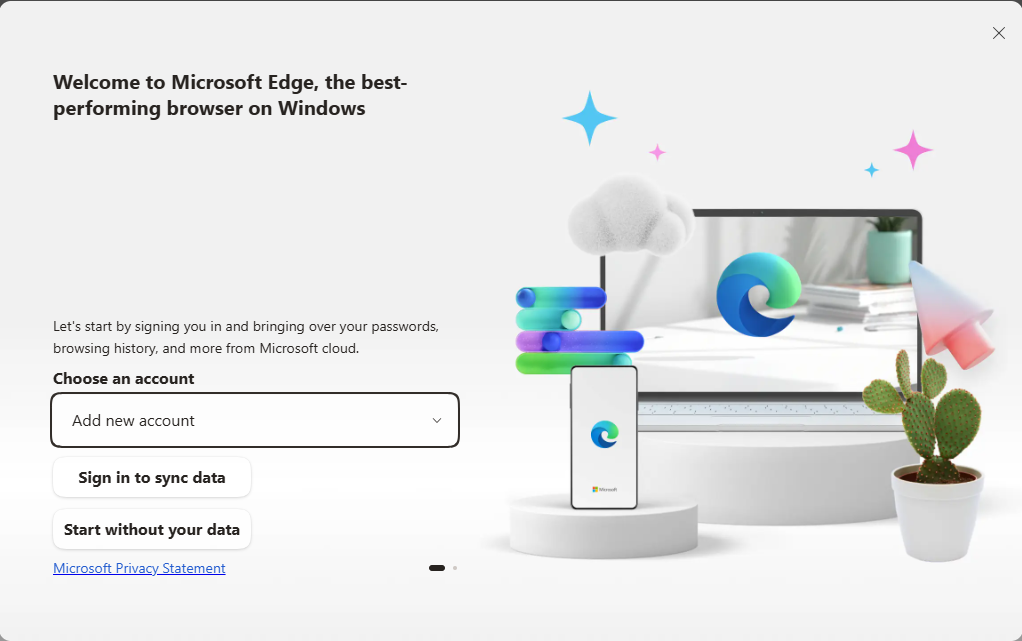
- A new window will open asking you to sign in to sync data.
- To link the browser directly to your Microsoft account: Click Sign in to sync data and enter your Microsoft email and password.
- To keep the browser local: Click Start without your data, confirm your preferences, and then sign into Microsoft 365 directly on the webpage.
- (Optional) To rename the profile, click the Profile icon > Settings (gear icon) > Edit next to your profile name.
Apple Safari (macOS)
Note: Profiles in Safari require macOS Sonoma (14.0) or later.
- Open Safari.
- In the top macOS menu bar, click Safari > Settings (or press
Command + ,)
- Select the Profiles tab at the top of the Settings window.
- Click Start Using Profiles (if this is your first additional profile) or click the + button in the bottom-left corner of the list
- Give your profile a Name (e.g., PC Branch DC), choose a Symbol and Colour, and choose what happens when you open new windows or tabs.
- Close the Settings window. To switch to your new profile, click the Profile dropdown button in the top-left corner of the Safari toolbar (next to the sidebar icon) and select your new profile.


