Logging into WordPress
All Branch sites are run on a platform called WordPress, in order to make any changes to your site you will need to log into WordPress using your Branch Email and Password
To get started go to the login page: http://branches.pcuk.org/branchname/wp-login
Make sure to enter your branch name into the URL with no spaces. An easy way to make sure you enter it correctly is to navigate to the home page of your Branch site and edit the URL on the browser!
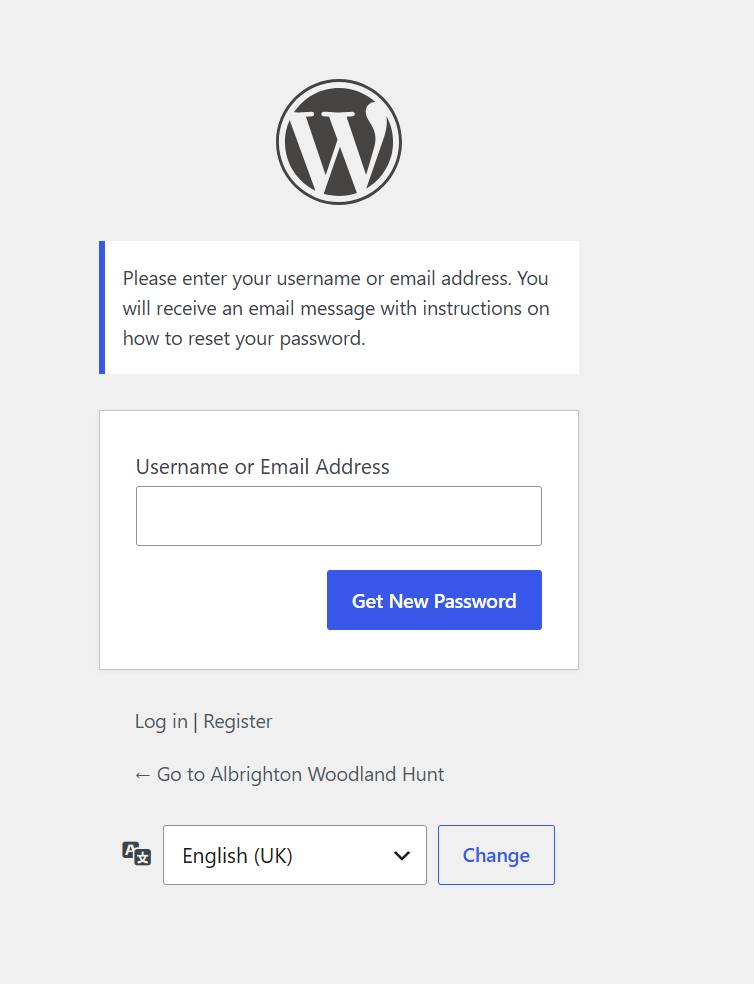
From the Log In screen simply enter your Branch email address, enter your password and Click the Log In button.
Reset Password
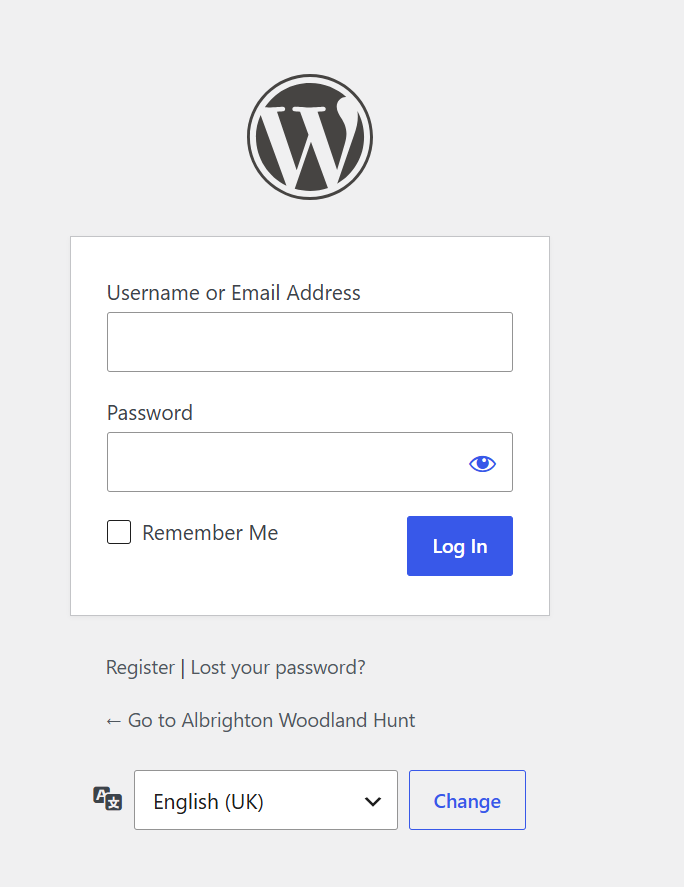
If you don’t know your password and need to reset it, click ‘lost your password’ under the log in box.
- Enter your username or email address.
- Click the ‘get new password’ button
- You will then receive an email with the next steps.
- After you have completed the steps in the email, you can simply log in with your new password.