
How to export data from PELHAM into Excel
Data can be exported from PELHAM from a variety of views depending on the information you are looking for.
Some useful data sets to export are:
- Contacts
- Current Members
- Active Coaches
- Achievement History
1 – Select a view from PELHAM to export data from
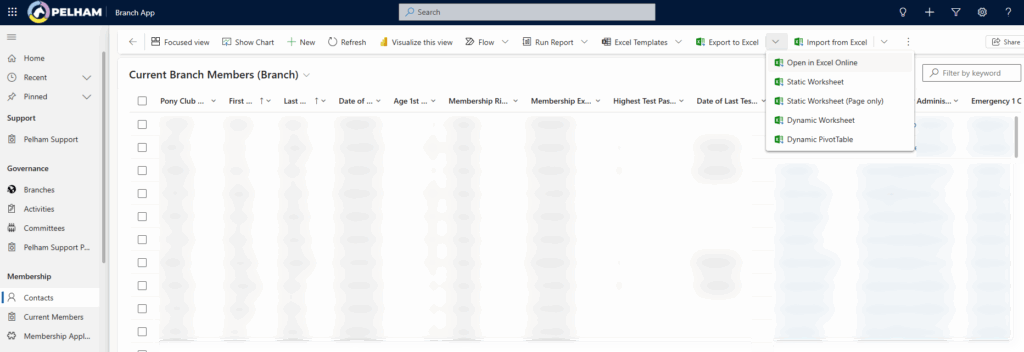
2 – You will then see the ‘Export to Excel’ button in the top toolbar, from here you can select how you want the data exported. If it is not visible look for the 3 dots.
Top Tip – Working on a tablet
If you are using an iPad or other tablet and wish to export data to Excel, we recommend using the ‘Open in Excel Online’ option:


