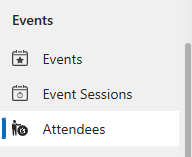
By selecting the “attendees” in the Left hand menu, you can see all your members and the events they have attended.
From here you can search on a contact name or an event name.
A View has also been created to allow you to filter on dates to determine events attended between a certain time period, called Rally Attendees in a Date Range, it defaults to the entire of 2024 but the dates and filters can be customized.
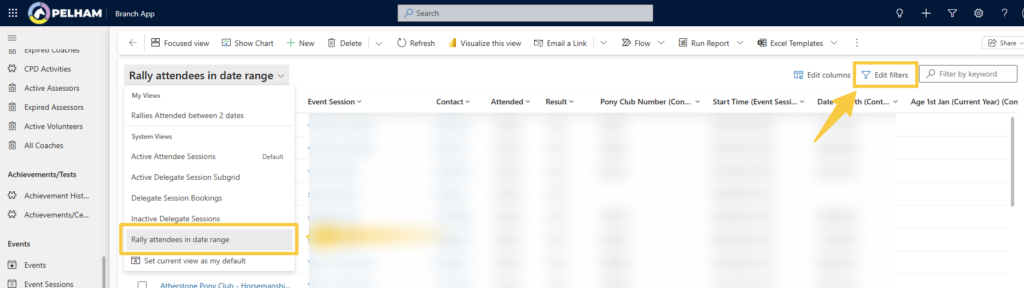
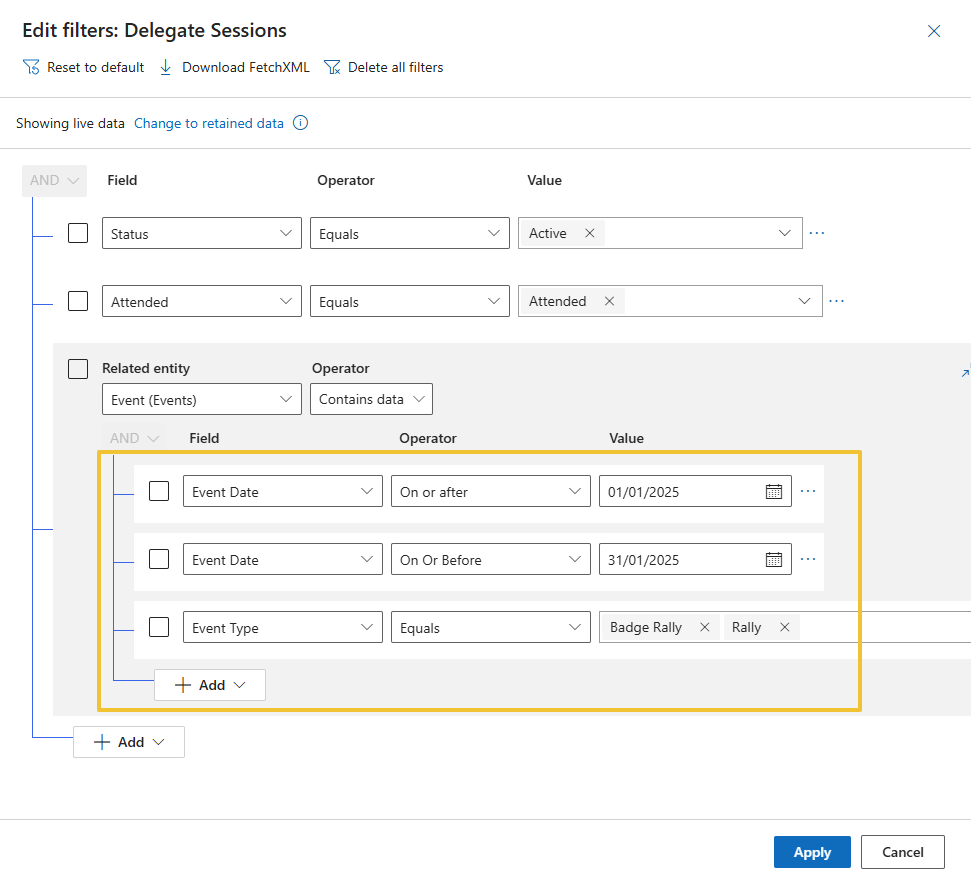
Select ‘Edit Filters’, then amend as required – dates, or add new / change event types. If you make a mistake, use Reset to default.