To view the coaches currently associated to your Centre, go to your Centre Summary page, then select the Coaches tab.
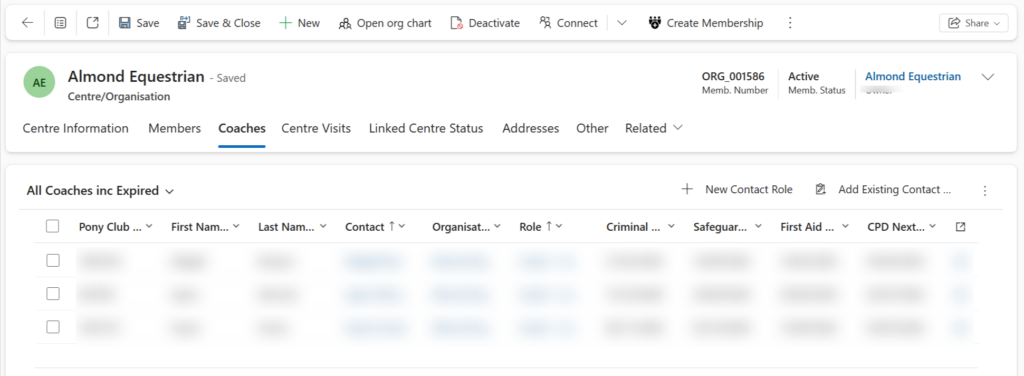
By default this View will display “All Coaches inc Expired”, this provides a good overview of all associated coaches with details about expiring/expired qualifications, allowing you to see if any action is required.
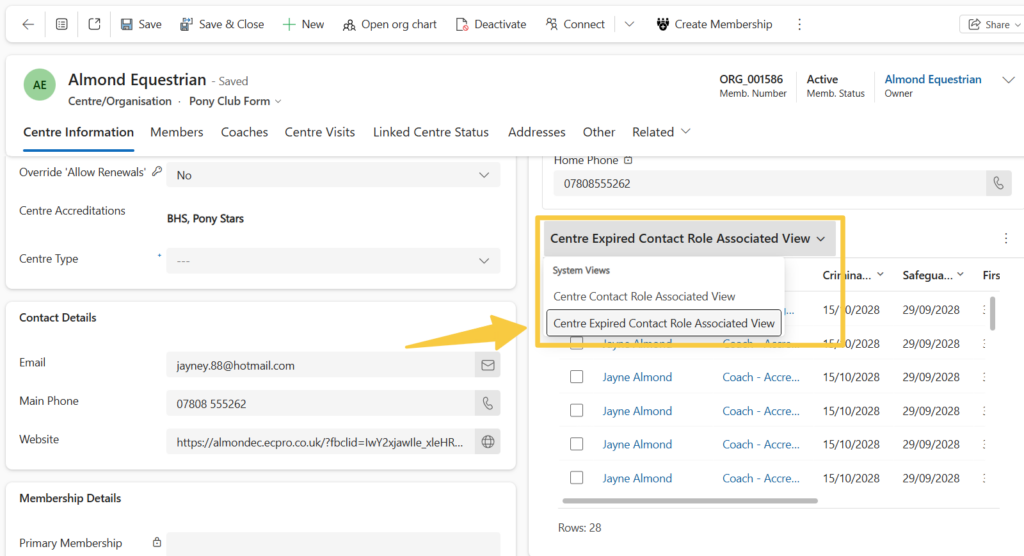
To view a snapshot of your expired coaches, go to your Centre Summary page and click on the dropdown next to the “Centre Contact Role Associated View” section. You can then change the view to show your expired coaches: